
 Anhora
Site Chat answers from your catalog and docs, shows product cards and conversion CTAs, and can hand off to your team — on a domain you verify.
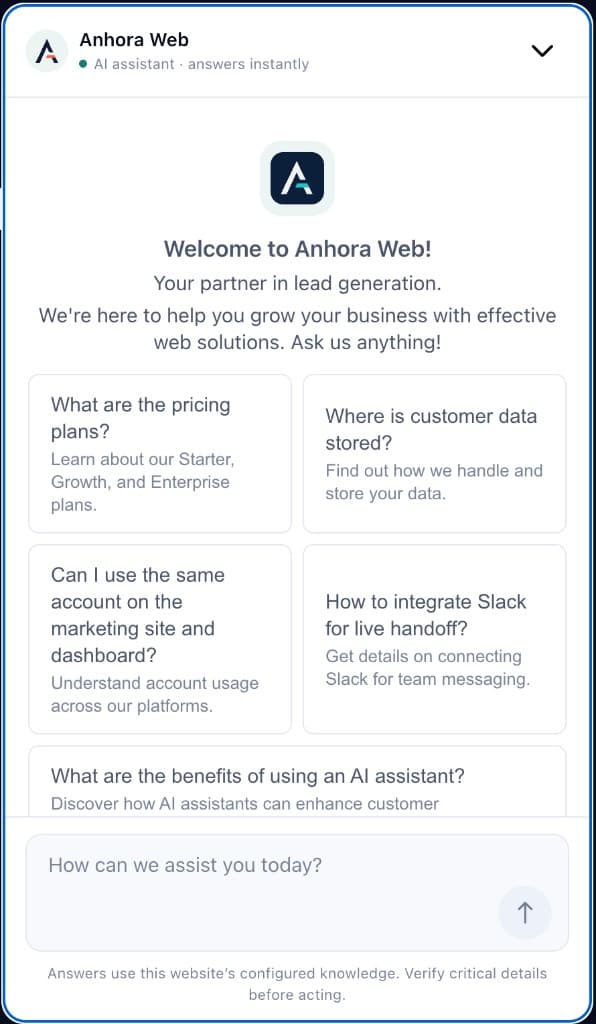
Visitors leave when answers to shipping, fit, pricing, or policy are a form or an email away. A website chat widget keeps that conversation on the page.
01
Product, shipping, and policy questions get handled in context — without sending people to a ticket queue.
02
Grounded replies cover the routine load. You do not need an agent on every turn to make the site feel responsive.
03
When the turn needs a human, the visitor stays in the same widget, while Slack or a Telegram forum serves as the team inbox.
A website chat widget is an embed on your site. Visitors ask about products, shipping, pricing, or policies without leaving for email or a ticket form. Site Chat is Anhora’s website chat widget: the web surface of one business assistant per DNS-verified site. It is Private Beta, application-only — and it is not a staffed helpdesk product by itself.
01
The embeddable UI on a website. Visitors talk without leaving the page. Presentation layer only.
02
A conversational overlay focused on answers — often with thin ties to a specific company’s catalog, policies, or storefront.
03
One organization’s knowledge, rules, actions, and human collaboration. Site Chat is the web surface of that assistant.
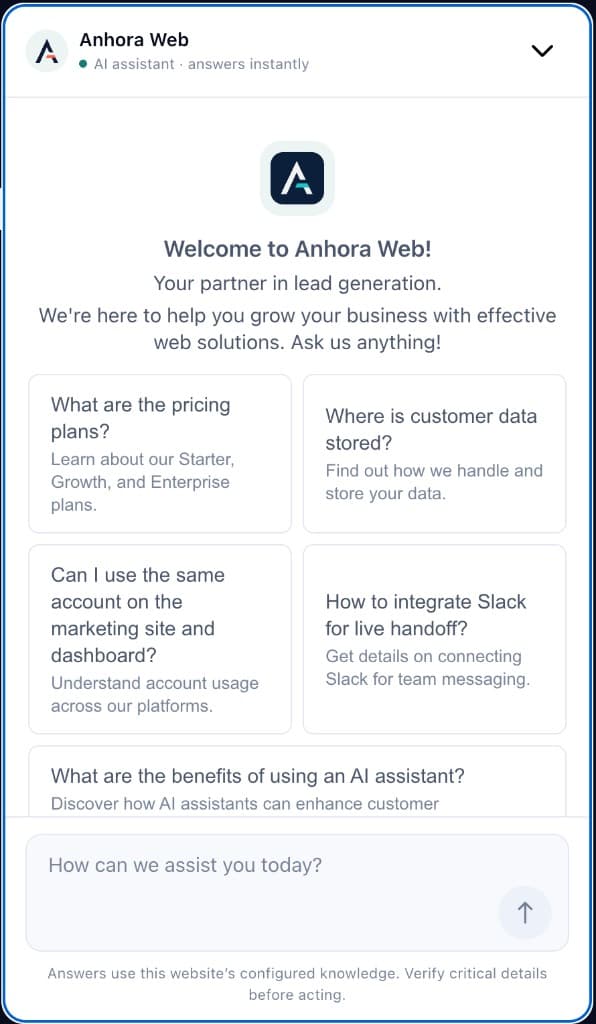
Welcome text, suggested questions, and language follow the Site Chat you configured — including multilingual UI when you use Auto language.
The turn searches the pages, FAQs, docs, and catalog you synced. Product facts you reviewed in the dashboard constrain what can be claimed.
Knowledge
Sources + Product facts
Besides text, the transcript can show product lists, resource cards, status cards, and CTAs for lead, demo, pricing, link, or request human — selected by the server, not invented in model prose.
Product
Merino crew sweater
In stock · ships in 2 days
On ecommerce packs, Host Bridge can use page context and propose add-to-cart for the host to confirm. When a person should continue, the shopper stays in the same widget while Slack or a Telegram forum is the team inbox.
waiting_for_team
A teammate will continue here. AI is paused for this thread.
Team reply
Alex · Support
Archetypes such as shopping, lead-gen, and support change defaults for voice and conversion. The loader keeps compatible widget updates without a storefront redeploy.
Built for agent coverage and queues. Right when every turn should be human-owned from the start — not when most questions can be grounded in your catalog first.
Built for fluent replies. Weak when you need Product facts, lead/demo CTAs with caps, or storefront actions the host must confirm.
Built for async tickets. Poor for clarifying a SKU, shipping rule, or demo fit while the visitor is still on the page.
Site Chat is for on-page guidance from your sources — with structured UI and guarded actions when the turn needs more than a paragraph.
Sync WordPress, Payload, or SDK content, then review Product facts (available, planned, limited, unavailable). Missing catalog truth is not invented in the widget.
Transcripts can include product and resource lists plus server-selected lead, demo, pricing, or request-human CTAs — with sales-runtime caps for lead-gen, not free-form “click whatever the model wrote.”
On WordPress/Woo and other packs that expose the bridge, the chat can use page and cart context and propose add-to-cart for the host to confirm. Checkout stays on your storefront.
Tone, formality, language, forbidden topics, and shopping / lead-gen / support defaults live in the dashboard. Welcome and suggestions update without redeploying the site.
Anhora is a business assistant, not a chat-widget SKU with a bolt-on inbox. One assistant per verified site can meet shoppers on the web and, optionally, in Telegram DMs — while the team uses one live inbox.
01
Primary surface: Site Chat with page context and Host Bridge actions when the pack and host support them.
02
Optional customer DMs on the same assistant (cards and /human). No website cart session. Setup on the Telegram page.
03
Slack or a Telegram forum — one per site, not both. Staff replies show as a team member in the widget; AI is labeled separately.
The visitor chat needs a published deployment key and a loader on the site. Knowledge is a second step: WordPress can embed and sync in one plugin; Payload and @anhora/sdk only sync knowledge — they do not put the widget on the page by themselves.
Two layers that compose
Chat surface
Site → loader / WP embed → Anhora (visitor widget)
Knowledge
Payload pull · WP sync · @anhora/sdk push → Anhora
Two layers that compose: Chat surface — Site → loader / WP embed → Anhora (visitor widget). Knowledge — Payload pull · WP sync · @anhora/sdk push → Anhora.
Review the recommended order for website content, Product facts, voice, lead generation, testing, and publish.
An embed on your site so visitors can ask while they browse. Site Chat is Anhora’s website chat widget on a DNS-verified domain.
Visitors open a branded chat with suggested questions. Turns retrieve from connected knowledge; replies can include product or resource cards, lead/demo/pricing CTAs, and optional handoff to your team inbox.
Live chat is a staffed agent queue. A website chat widget is the visitor-facing embed. Site Chat can answer from your sources first and escalate to Slack or a Telegram forum when a person should take over.
Verify DNS, create a Site Chat, and embed the loader with your deployment key. On WordPress the plugin can embed and sync knowledge together. Payload and @anhora/sdk sync knowledge only — the visitor widget still needs the snippet. Then review Product facts, set voice and conversion behavior, and publish. See install guides and the setup guide.
It retrieves from catalog and docs you sync, shows structured cards and server-selected CTAs, can use Host Bridge page/cart context when the host supports it, and fails closed on missing prices, SKUs, or policies instead of inventing them.
No. The snippet only loads the widget. Knowledge sync is separate — Payload, WordPress (optional Woo catalog), or a push with @anhora/sdk.
Knowledge emerging from light
Private Beta is application-only. Tell us about the site you want to verify and we will follow up.